To create a new menu, click to open the left sidebar and go to Menu tab.
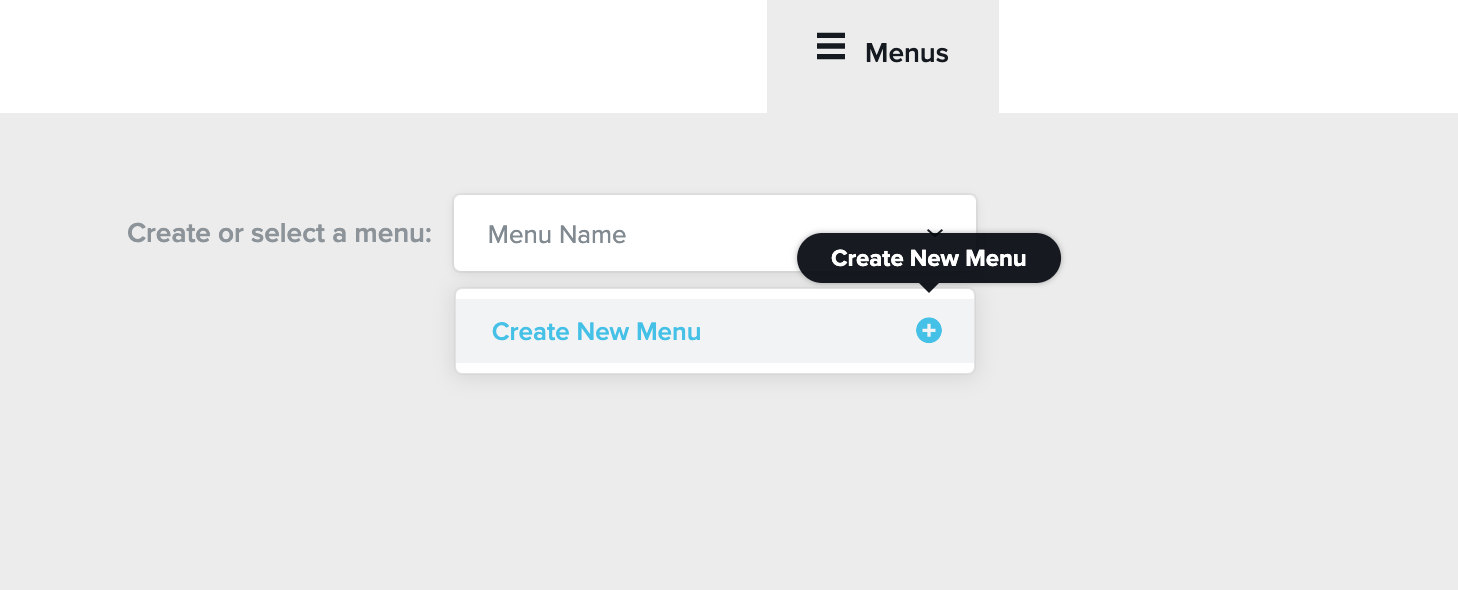
Step 1 . Create a new menu
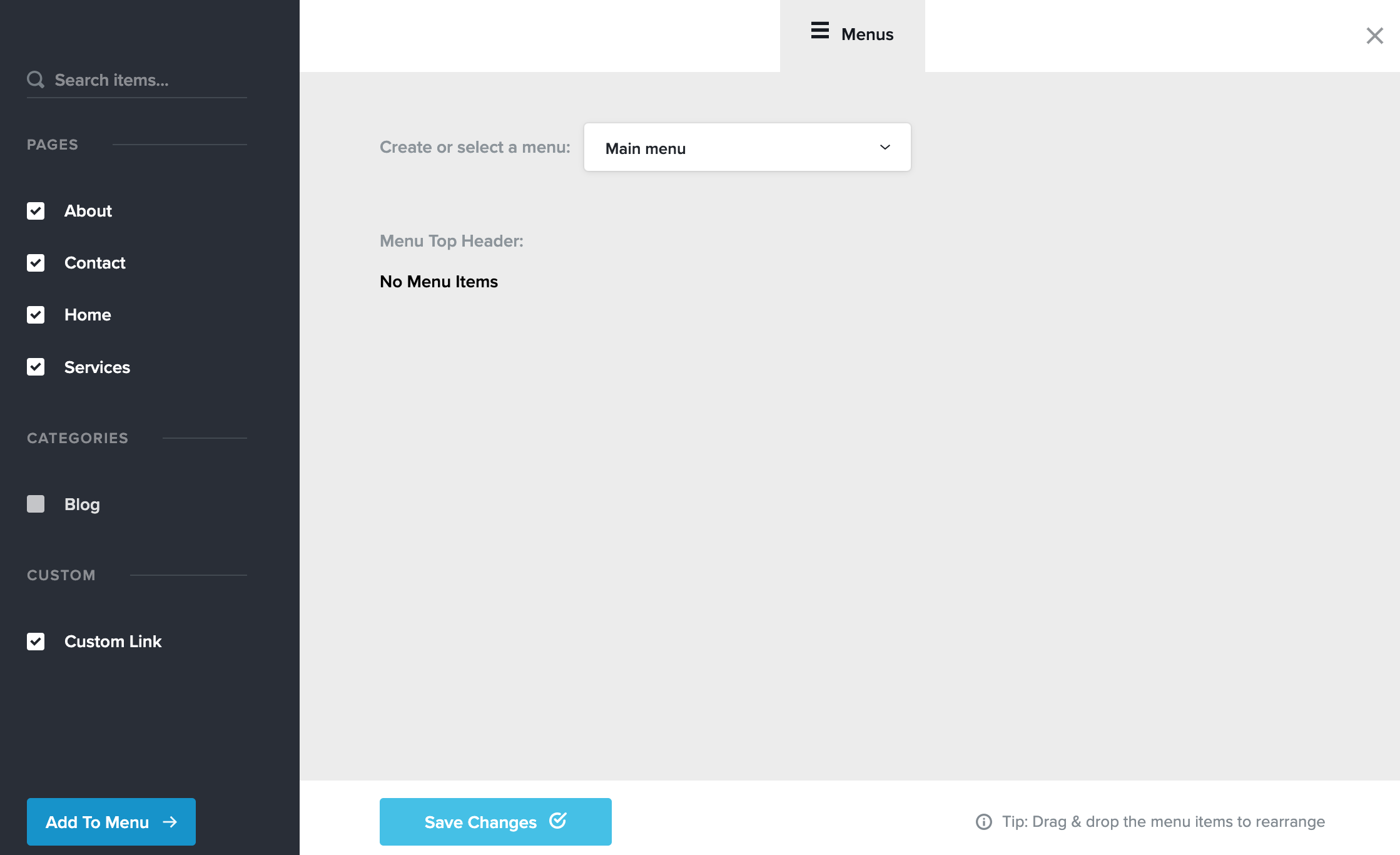
Step 2 . Select the pages you want in your Menu and press the Add to Menu button
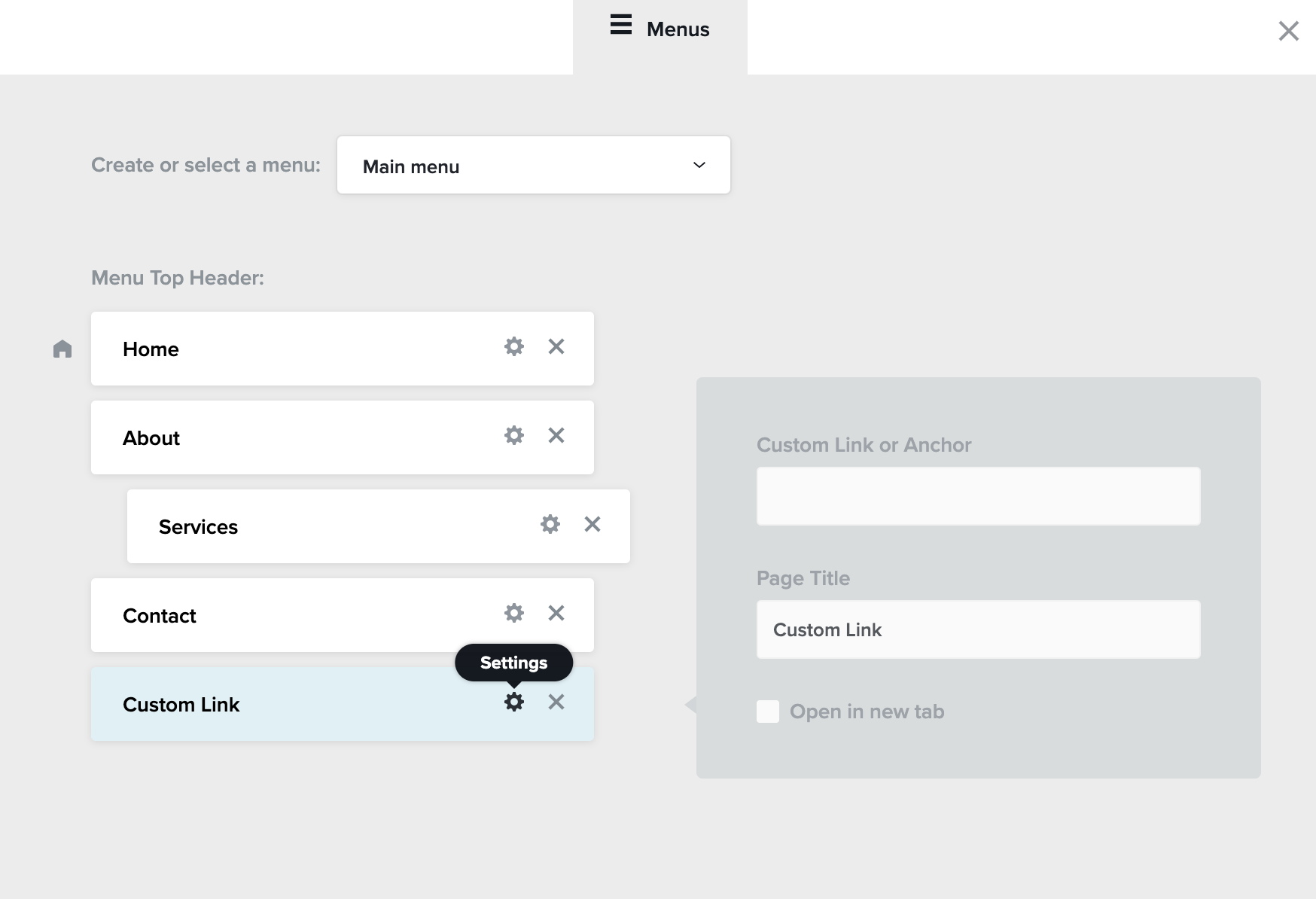
Step 4. Drag and drop pages to reorder or create dropdown menus

Step 5. Click the Settings icon to edit Navigation Label and more.