Workspaces allow you to neatly separate different clients or types of work within your Landing Pad Digital Dashboard. Think of them like folders that group related projects together.
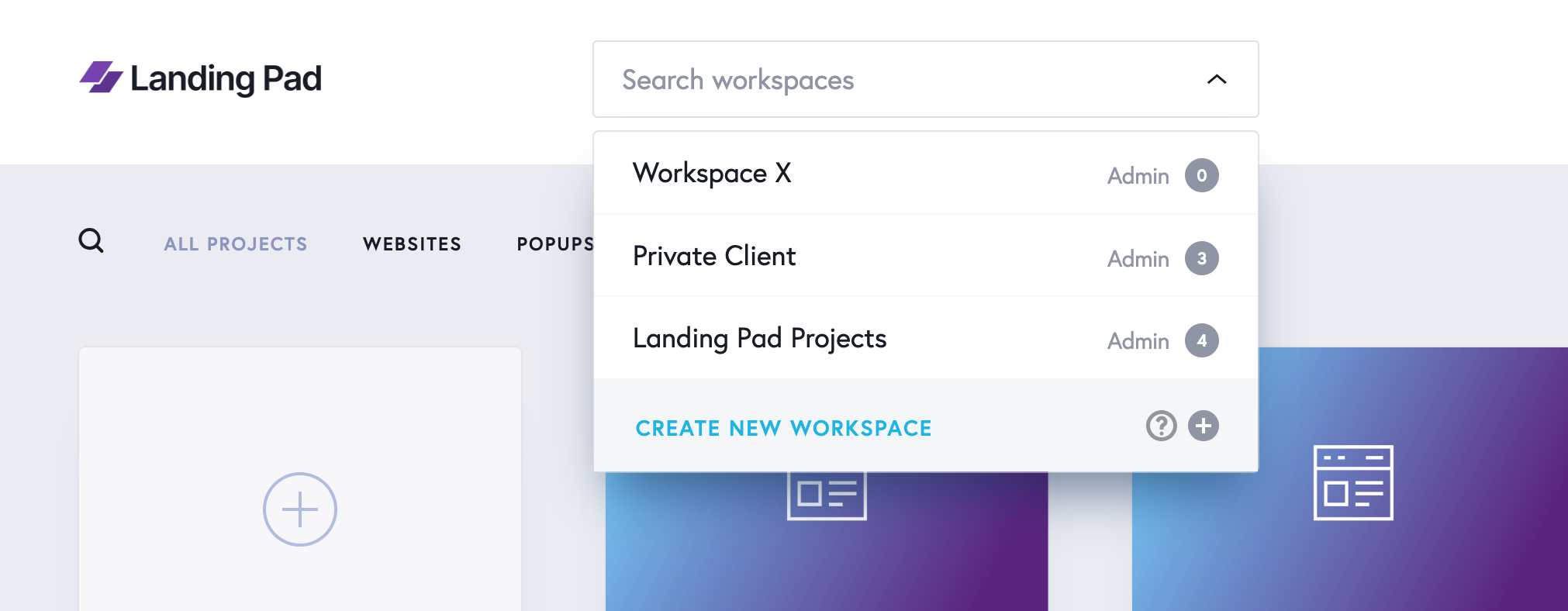
Why Workspaces Matter
If you’re working with multiple clients, workspaces help you:
-
Keep client work completely isolated from other projects
-
Invite only the relevant team members or clients to a specific workspace
-
Maintain a clean, organised structure across your account
Important:
Team members are invited at the workspace (sub-account) level, not the individual project level. That means anyone you invite will be able to see all projects within that workspace.
Workspace Management
You can manage each workspace easily:
-
Rename a workspace by hovering over it and clicking the pencil/edit icon
-
Delete a workspace by hovering over it and clicking the delete/trash icon
Best Practice Tips
-
Create separate workspaces for each client to maintain privacy and clarity
-
Use one workspace for personal or internal projects and others for client-specific work
-
Keep your project list tidy and focused for better collaboration and easier navigation