Projects are the core of Landing Pad Digital Cloud. Each project represents a unique creation: whether it's a website, a landing page, a pop-up or a story.
When you first log into your dashboard, you'll see a “Create a New Project” card. As you build more projects, each one will appear as a card alongside it, giving you a visual overview of everything you're working on.

What You Can Create
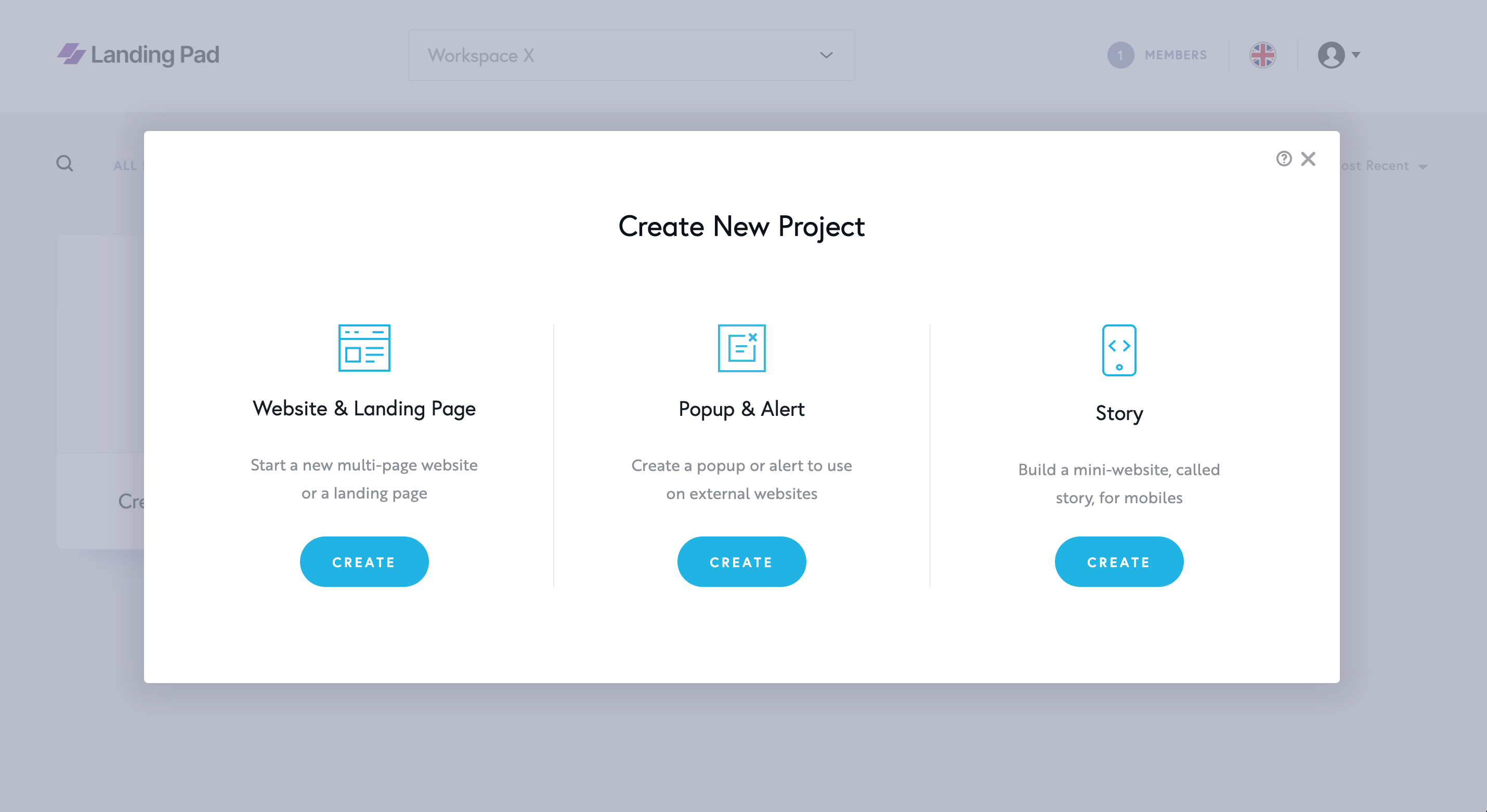
When you click on “Create New Project”, you’ll see the three types of projects you can build:
-
Websites & Landing Pages
Create multi-page websites or sleek single-page landing pages. Perfect for showcasing a brand, product or service. -
Pop-ups & Alerts
Design custom overlays to use within your site or embed on external websites. Ideal for announcements, lead capture or calls-to-action. -
Stories
Create mobile-optimised, swipeable mini-sites: like visual storytelling pages or lightweight landing experiences.
Organising Your Projects
As your project list grows, you can easily manage and find what you need using the tools at the top-left of the dashboard:
-
Search for a project by name
-
Filter by project type: Websites, Pop-ups, or Stories
-
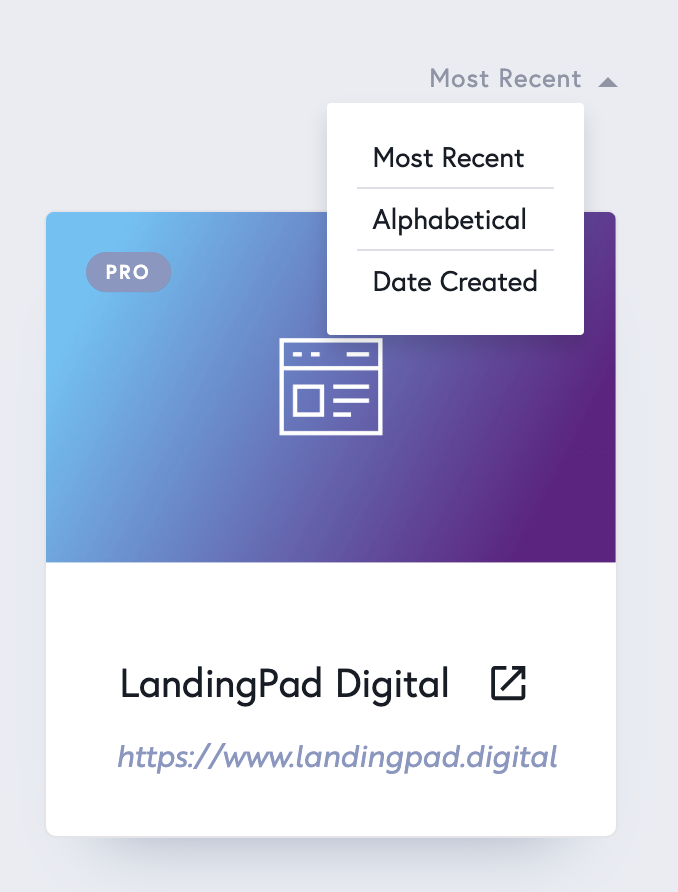
Order by Most Recent, Alphabetical and Date Created
-
View all projects in one place for a complete overview

Interacting with a Project
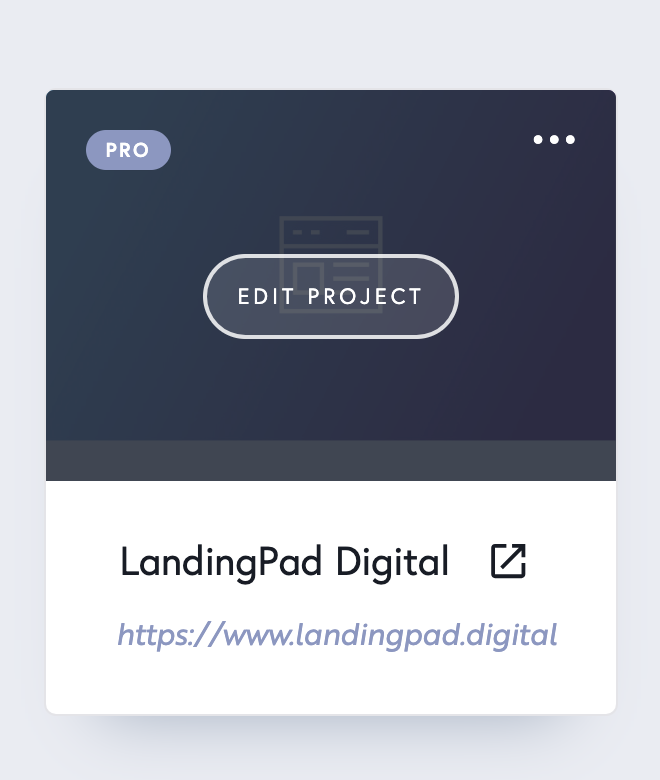
Hover over any project card to access more options:
-
Edit the project
-
Rename the project
-
Preview the live version in a browser
-
Publish to go live instantly
-
View Leads collected via your forms
-
Delete the project if no longer needed
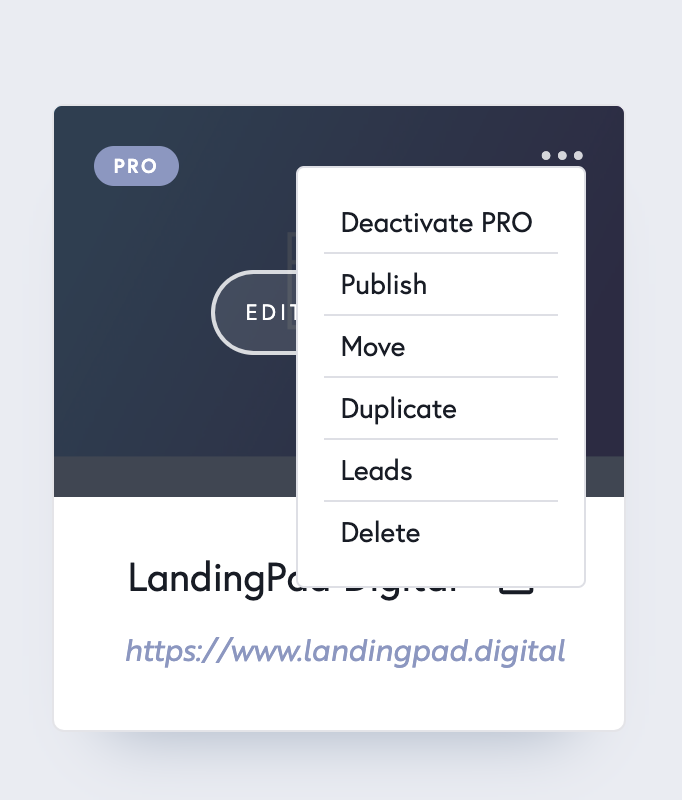
You can also click the three-dot menu (⋮) to manage your project with quick actions.
💡 Tip: Think of each project card as your creative workspace: customise it, track it and build without limits.