The Leads functionality is tightly linked with the Contact form/ Marketing integrations. All the contact forms submitted are saved in the Leads section of that project.
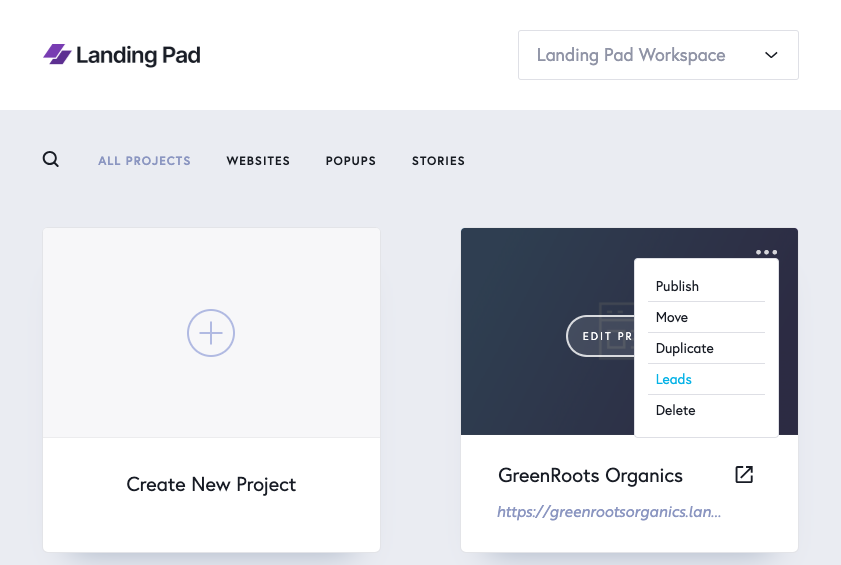
Leads can be accessed via those three dots on the top right corner of the project:
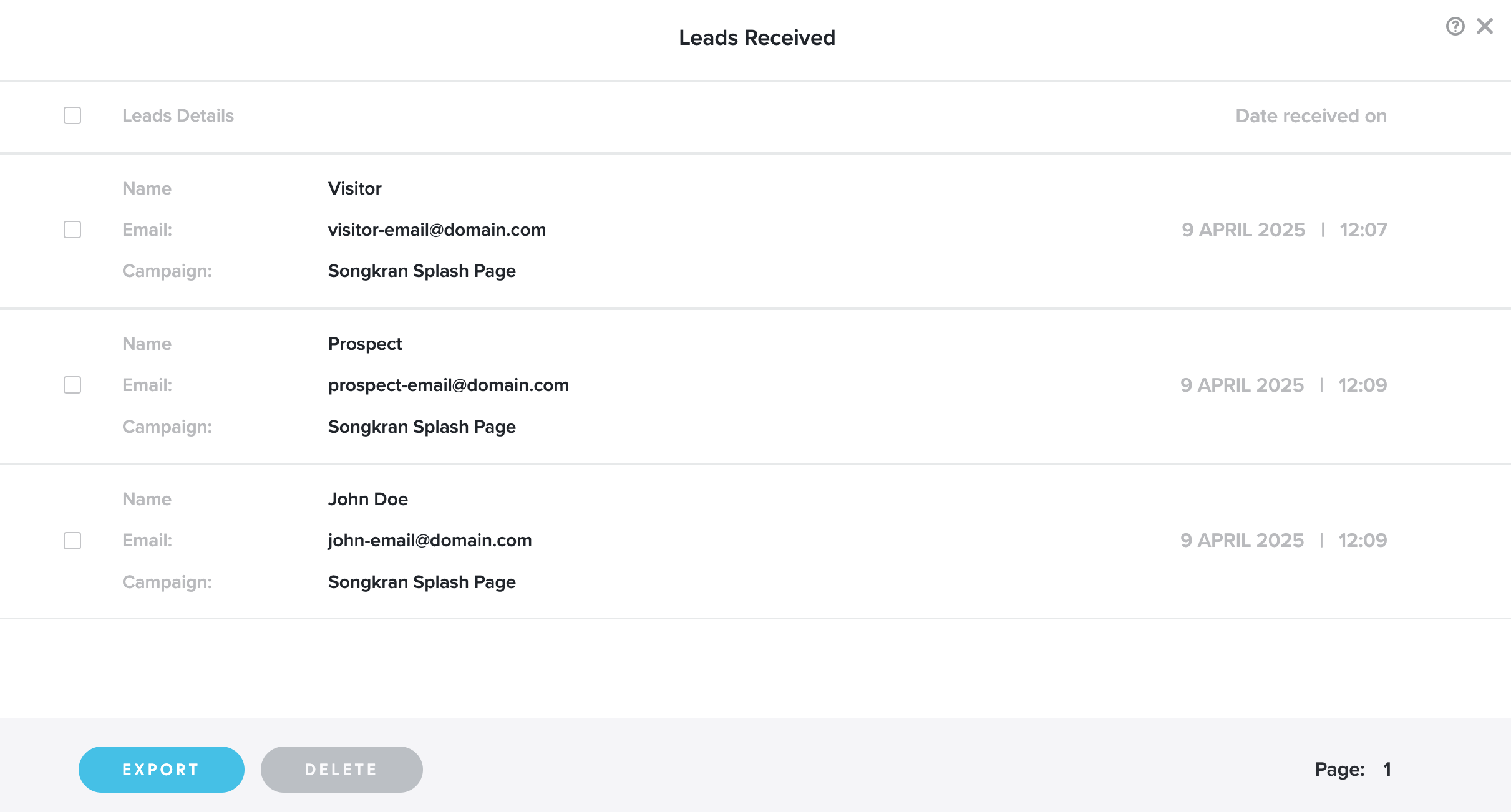
You can Export (.csv or .xlsx files) or Delete leads from the two buttons on the bottom.
If you're on the PRO plan, you'll have access to third-party integrations like Mailchimp.
Once you've connected your Mailchimp account in the Integrations tab:
-
Every new lead captured through your landing page will be automatically sent to your Mailchimp list.
-
At the same time, the lead is also stored securely in your Landing Pad Dashboard, so you can always view or export your leads later.